

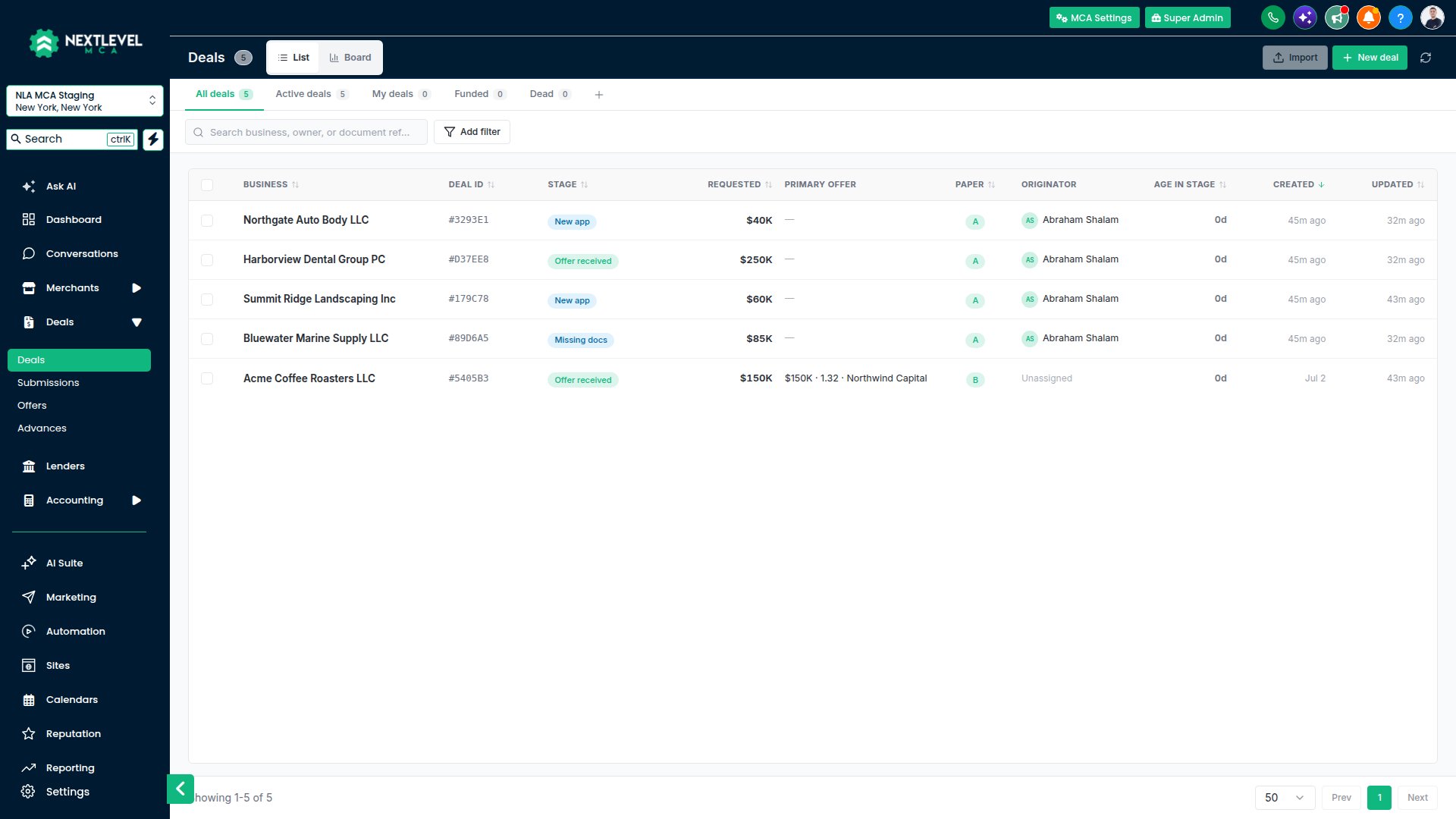
NextLevel MCA open inside the CRM, on the Deals board.
How the pieces fit
Everything in the app hangs off a small set of records.Where to start
Opening NextLevel MCA
Open it from the CRM, sign in on your phone, fix a page that won’t load.
Getting started for reps
Find your way around and take your first deal to the lenders.
First-time setup checklist
Admins: the six things a new workspace needs.
Guided tours
Short walkthroughs of each screen, and how to replay them.
The notifications bell
Lender replies, merchant activity and deal changes, in your CRM header.
Getting help
Where to go when you’re stuck.
Setting up a workspace
If you’re the admin of a new workspace, the Setup checklist at the top of the page walks you through it: connect a mailbox, add your lenders, review the pipeline and application form, add your team and your logo. See First-time setup checklist. The mailbox comes first. Every email the app sends leaves from a mailbox your team connects, so nothing goes out until one is connected. See Connecting Gmail or Outlook.Building on the platform? API keys, webhooks and the AI assistant connection are under the Developers tab.