> ## Documentation Index
> Fetch the complete documentation index at: https://docs.nextlevelmca.com/llms.txt
> Use this file to discover all available pages before exploring further.
# Welcome
> What NextLevel MCA is, how the pieces fit together, and where to start.
NextLevel MCA is the deal workspace for a merchant cash advance brokerage. It lives inside your CRM and runs the part of the business your CRM does not: the application, the bank statements, the lenders, the offers, the contracts and the money after funding.
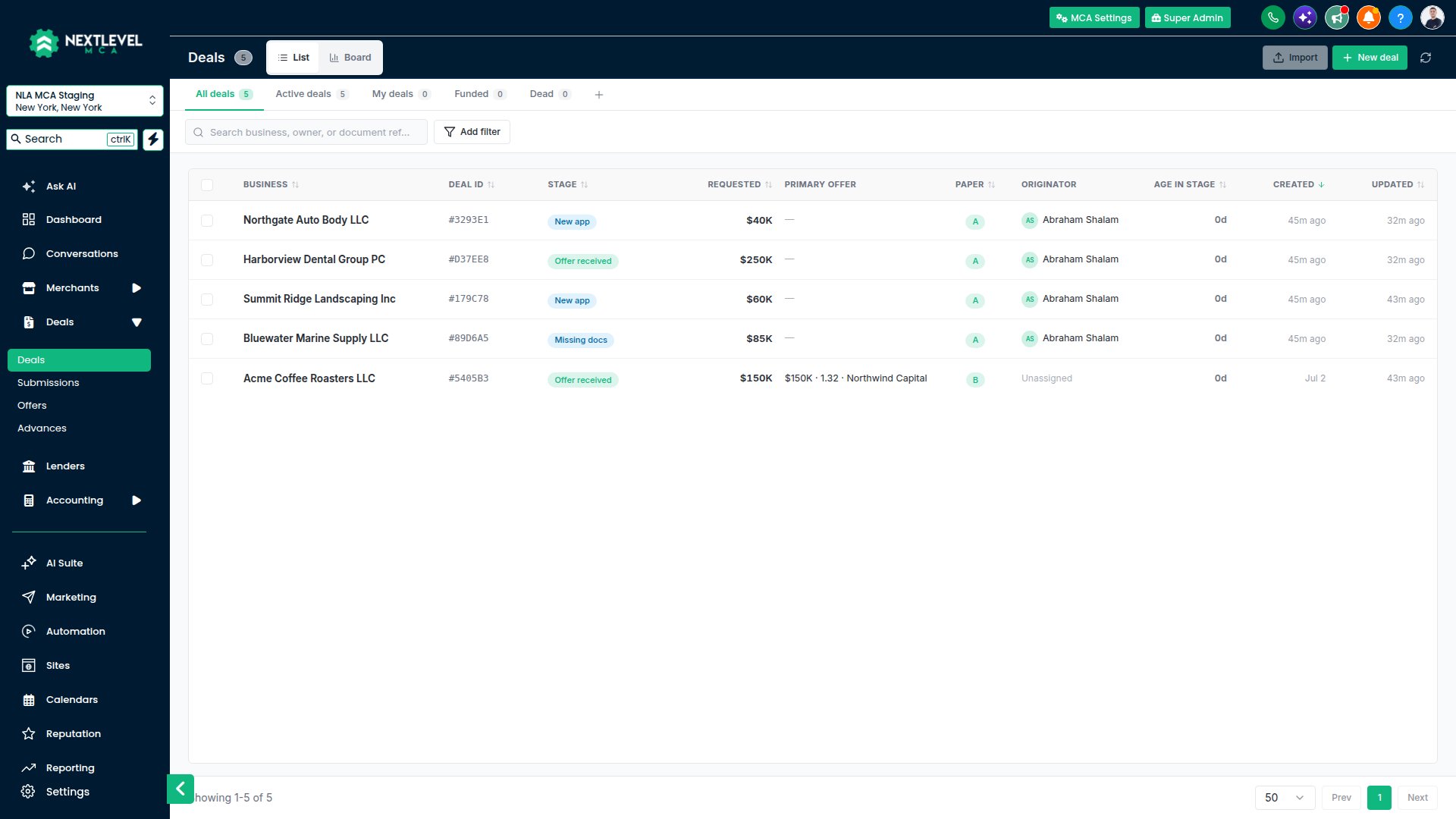 ## How the pieces fit
Everything in the app hangs off a small set of records.
| Record | What it is |
| - | - |
| **Business** | The merchant. Legal name, DBA, EIN, address, industry. One business can have many deals over the years. |
| **Person** | An owner or contact, linked to one or more businesses. People are matched to your CRM contacts, so texts and calls go through the CRM. |
| **Deal** | One funding request for a business, sitting in a pipeline stage. Documents, bank analysis, submissions and offers all belong to the deal. |
| **Submission** | The deal package sent to one lender, and what that lender said back. |
| **Offer** | A lender's terms on a deal. One offer is the primary one: the one you pitch and fund. |
| **Advance** | A funded offer being paid back. It carries the Lender Commission, the Rep Commissions, and flags itself when the merchant is ready to renew. |
## Where to start
Open it from the CRM, sign in on your phone, fix a page that won't load.
Find your way around and take your first deal to the lenders.
Admins: the six things a new workspace needs.
Short walkthroughs of each screen, and how to replay them.
Lender replies, merchant activity and deal changes, in your CRM header.
Where to go when you're stuck.
## Setting up a workspace
If you're the admin of a new workspace, the **Setup** checklist at the top of the page walks you through it: connect a mailbox, add your lenders, review the pipeline and application form, add your team and your logo. See [First-time setup checklist](/help/setup-checklist).
The mailbox comes first. Every email the app sends leaves from a mailbox your team connects, so nothing goes out until one is connected. See [Connecting Gmail or Outlook](/help/email-senders).
Building on the platform? API keys, webhooks and the AI assistant connection are under the **Developers** tab.
This documentation is built and hosted on [Mintlify](https://mintlify.com), a developer documentation platform.
## How the pieces fit
Everything in the app hangs off a small set of records.
| Record | What it is |
| - | - |
| **Business** | The merchant. Legal name, DBA, EIN, address, industry. One business can have many deals over the years. |
| **Person** | An owner or contact, linked to one or more businesses. People are matched to your CRM contacts, so texts and calls go through the CRM. |
| **Deal** | One funding request for a business, sitting in a pipeline stage. Documents, bank analysis, submissions and offers all belong to the deal. |
| **Submission** | The deal package sent to one lender, and what that lender said back. |
| **Offer** | A lender's terms on a deal. One offer is the primary one: the one you pitch and fund. |
| **Advance** | A funded offer being paid back. It carries the Lender Commission, the Rep Commissions, and flags itself when the merchant is ready to renew. |
## Where to start
Open it from the CRM, sign in on your phone, fix a page that won't load.
Find your way around and take your first deal to the lenders.
Admins: the six things a new workspace needs.
Short walkthroughs of each screen, and how to replay them.
Lender replies, merchant activity and deal changes, in your CRM header.
Where to go when you're stuck.
## Setting up a workspace
If you're the admin of a new workspace, the **Setup** checklist at the top of the page walks you through it: connect a mailbox, add your lenders, review the pipeline and application form, add your team and your logo. See [First-time setup checklist](/help/setup-checklist).
The mailbox comes first. Every email the app sends leaves from a mailbox your team connects, so nothing goes out until one is connected. See [Connecting Gmail or Outlook](/help/email-senders).
Building on the platform? API keys, webhooks and the AI assistant connection are under the **Developers** tab.
This documentation is built and hosted on [Mintlify](https://mintlify.com), a developer documentation platform.